
Tutorial
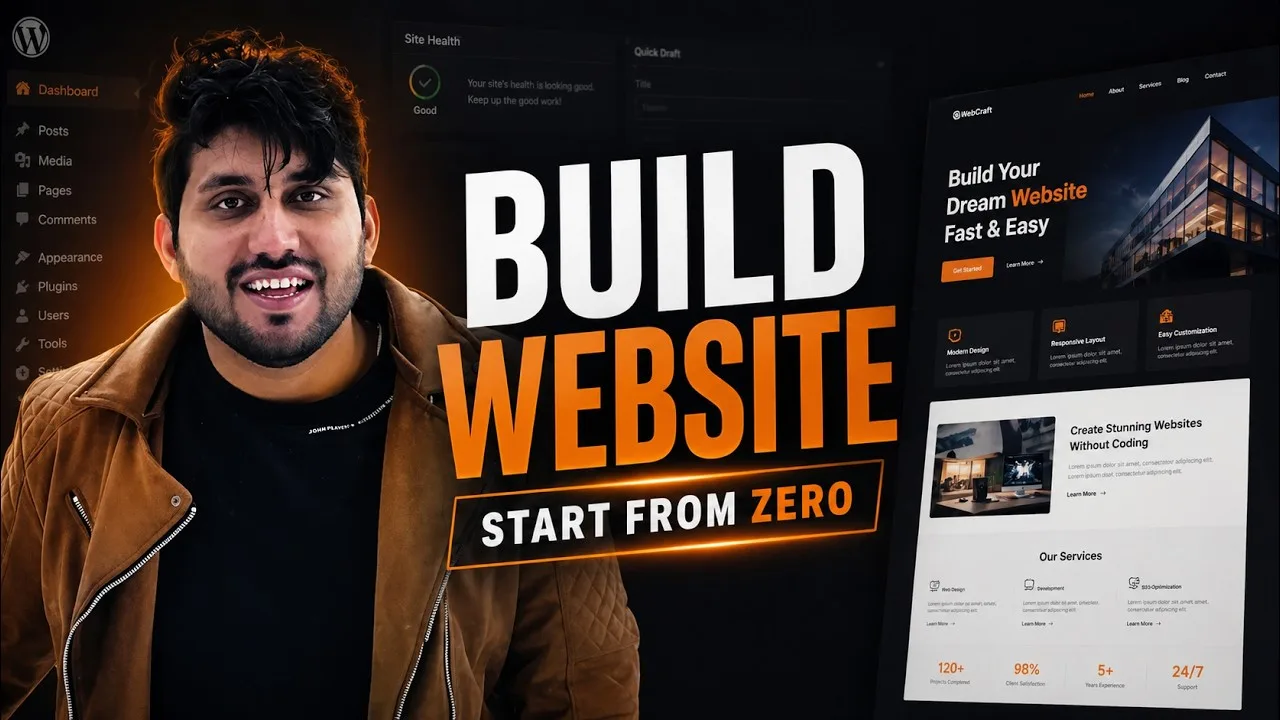
Build a WordPress Website from Scratch (Full Course)
A full beginner course. Install WordPress on your computer and on real hosting, learn the dashboard, write posts and pages, set up menus and settings, then finish a small blog project.
Chapters
-
0:00
Intro
-
1:58
Getting Started
-
2:10
What is WordPress?
-
4:26
Why WordPress?
-
11:46
Blog vs Website
-
15:00
WordPress.com vs WordPress.org
-
17:40
Requirements For WordPress Self-Hosted
-
18:27
Hosting And Domain Explained
-
32:00
WordPress Installation (LocalHost)
-
32:34
Download LocalWP and Installing
-
39:00
Installing WordPress on LocalHost
-
47:44
Using WordPress on LocalHost
-
49:54
Buy Domain and Hosting for WordPress
-
59:32
Installing WordPress Through cPanel
-
1:07:06
Front and Back End and Removing Demo Contents From WordPress
-
1:10:44
Overview to WordPress Dashboard
-
1:16:57
Posts vs Pages in WordPress
-
1:20:38
What is Gutenberg Editor in WordPress?
-
1:24:52
The Block Editor in WordPress
-
1:32:43
Create a New Post in WordPress
-
1:40:06
Adding a New Image to Post in WordPress
-
1:46:37
Creating Links and Buttons in WordPress Post
-
1:51:42
Embed a PDF File in WordPress Post
-
1:54:12
Embed Video and Audio in WordPress Post
-
1:59:46
Adding Featured Image in WordPress Post
-
2:02:16
Categories and Tags in WordPress
-
2:14:15
Adding Post Excerpt in WordPress Post
-
2:16:05
Publishing Option in WordPress Post
-
2:26:17
Edit Existing Posts in WordPress
-
2:31:25
How to Create Pages in WordPress
-
2:35:13
Page Attributes in WordPress Pages
-
2:37:45
Text Blocks in WordPress
-
2:52:45
Media Blocks in WordPress
-
3:02:25
Design Blocks in WordPress
-
3:09:52
Widget Blocks in WordPress
-
3:16:34
Pattern Blocks in WordPress
-
3:20:19
Rolling Back to OLD Classic Menus in WordPress
-
3:23:29
Creating Custom Menus in WordPress
-
3:27:26
Menu locations in WordPress
-
3:30:41
Adding External Link in Menu
-
3:32:35
Creating Sub Menus in WordPress
-
3:36:18
How to Add Widgets in WordPress Website
-
3:44:09
Customizing Your WordPress Site (Classic Editor)
-
3:50:22
Customizing Your WordPress Site (Block Editor)
-
4:01:44
How to Install Themes in WordPress
-
4:06:37
How to Install Plugins in WordPress
-
4:12:18
General Settings in WordPress
-
4:16:20
Writing Settings in WordPress
-
4:19:16
Reading Settings in WordPress
-
4:21:54
Creating Custom Home Page and Blog Page in WordPress
-
4:24:13
Discussion Settings in WordPress
-
4:28:47
Media and Permalink Settings in WordPress
-
4:33:10
Exporting and Importing Contents in WordPress
-
4:39:40
Site Health in WordPress
-
4:43:26
Managing Comments in WordPress
-
4:49:16
User Roles and their powers in WordPress
-
4:54:24
Adding and Deleting Users in WordPress
-
5:01:31
Profile Settings for users in WordPress
-
5:08:40
Creating Custom Avatar for Yourself in WordPress
-
5:16:40
How to Reset Your WordPress Website to Default
-
5:18:46
Blog Project with Free Resources in WordPress
-
5:35:35
The end and a bonus
What you will be able to do
Before you start
About this lesson
This is the longest lesson on TutsVela and the best place to start if you have never used WordPress. It begins with what WordPress is and how hosting and domains fit together, then installs WordPress twice: once on your own computer with LocalWP, and once online through cPanel.
After that it walks through the dashboard, the block editor, posts, pages, menus, widgets, themes, plugins, settings and users. The last part is a small blog project, so you finish with a site you built yourself.
Use the chapters to jump to a part, or watch it in order over a few sittings.
It suits complete beginners, small business owners who want to manage their own site, and anyone who wants to understand WordPress before hiring help. For the online part you need a domain and a hosting account. When you finish, continue with the Kadence Theme lesson to design the site and Kadence Blocks for page layouts, and use the free WordPress Website Launch Checklist before the site goes live.
Tools and resources
- LocalWPFree app to run WordPress on your own computer, used in the localhost chapters.(opens in a new tab)
- WordPressThe official WordPress download.(opens in a new tab)
- Hostoy hostingThe hosting we use for our own sites, with cPanel.(opens in a new tab)
- Namecheap domainsDomain registration, as covered in the domain and hosting chapter.(opens in a new tab)
- WordPress Website Launch ChecklistFree 24-page PDF with 111 checks to run before a site goes live.Get the checklist(opens in a new tab)
Some links above are affiliate links. TutsVela may earn a commission at no extra cost to you. How we choose and label links.
Something in this lesson no longer matches what you see?