

Free
SEO
Free Search Suggestions Finder
Type a topic, choose a country and get the searches people use, grouped into clusters with their questions and estimated intent. Free, no account.
How to use the Search Suggestions Finder
The tool turns one seed keyword into the searches people really type into Google or YouTube, then groups them so you can see which topics belong on one page.
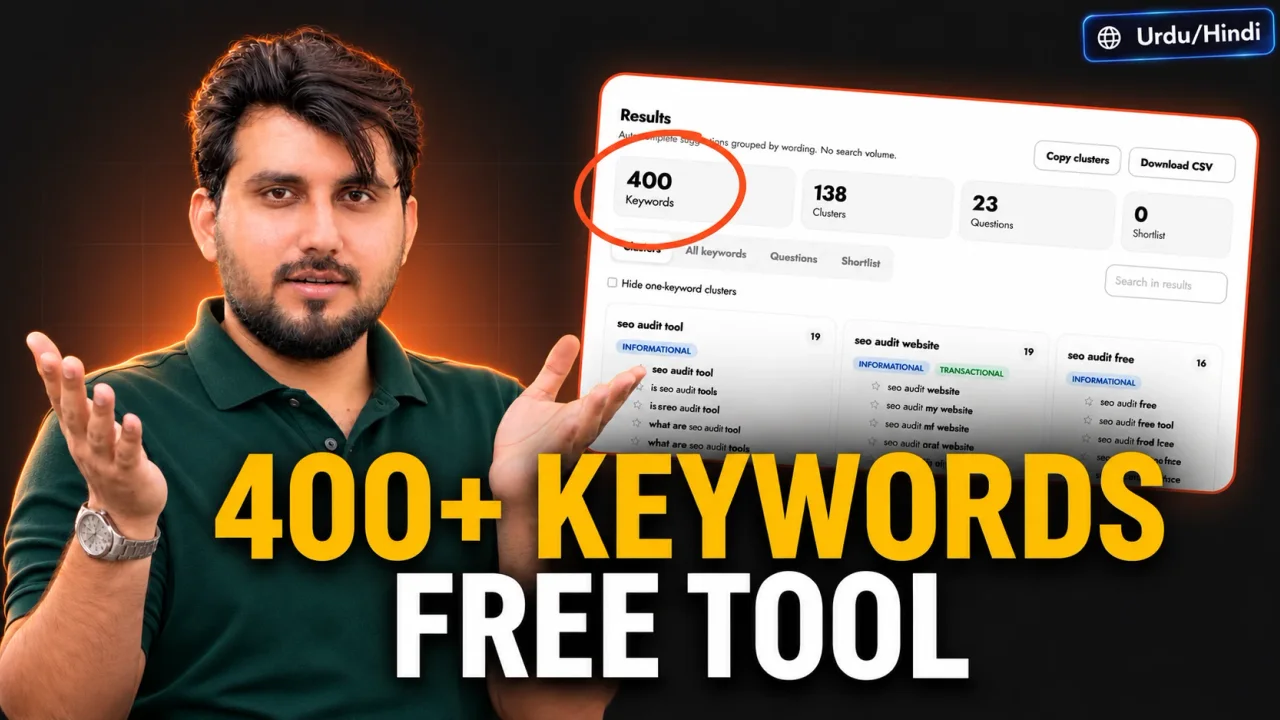
Prefer to watch? This short video, narrated in Urdu, runs a full search from a seed keyword to the CSV file.
Where the keywords come from
Every keyword in the results is a real autocomplete suggestion: a phrase Google or YouTube offers when someone starts typing. Autocomplete follows what people search for, so it is a reliable way to find the words your audience uses.
A search box shows only a few suggestions at a time. To find more, the tool asks for many variations of your seed: the seed followed by each letter, and the seed with question words such as what, how and why. Deep mode adds letters before the seed, two-letter endings, comparisons, prepositions, numbers and years. For Urdu, Hindi and Arabic it uses the letters and question words of that language.
The searches go from your own browser to Google. TutsVela does not see or store what you type.
Quick or Deep: which to choose
Quick
Quick runs 39 searches for English and similar languages and usually finishes in under a minute. Use it to check a topic, see its main subtopics and collect the common questions.
Deep
Deep runs several hundred searches and finds the long, specific phrases that Quick misses. Use it when you plan a whole section of a website or a series of articles. It takes a few minutes, and you can stop it early and keep the results.
How to read the results
Clusters
A cluster is a group of keywords that share the same words once the seed is removed. “wordpress speed plugin”, “best wordpress speed plugin” and “wordpress plugins for speed” end up together because they ask for the same thing. In most cases one cluster is one page: use the main keyword in the title and cover the other phrasings in the content.
Clusters are based on wording, not on search results, so check the larger ones yourself. Two phrases can share words and still need different pages.
Estimated intent
Each keyword gets an estimated intent from its words. Use it to decide what kind of page to create:
Questions
The Questions tab collects every keyword that is a question, grouped by its question word. Questions make good headings, FAQ entries and short answers inside a longer article.
Turning clusters into a content plan
The CSV file keeps this plan in a spreadsheet: it has the keyword, its cluster, the topic, the estimated intent and the search that found it.
What this tool does not do
The tool shows what people search for, not how many people search for it. There is no search volume, no keyword difficulty and no cost per click, and we do not show estimates that look like them. When you need numbers, take your shortlist to a tool with real data: Google Search Console shows the searches that already bring visitors to your site, and Google Keyword Planner shows search volume ranges.
Autocomplete also changes over time and from place to place, so run the tool again before a large project.
Language, country and privacy
The language and country you choose are sent to Google with each search, so the suggestions match that market. Suggestions for “web hosting” in the United Kingdom and in Pakistan are not the same, which matters when you write for one country.
Your last search is kept in your own browser so you can come back to it; clearing this site’s data in your browser removes it. TutsVela only counts how often the tool is used (searches, copies and downloads), never the words or places you type. If you allow analytics cookies, Google Analytics also records the country, language and number of results of each search.
Local SEO: searches for one city
Choose Local SEO, then pick a city from the list or type an area such as “DHA Lahore”. The tool adds the place to the searches (“dentist lahore”, “lahore dentist”, “dentist in lahore”, “best dentist in lahore”, “dentist near me”), because Google’s suggestions have no city setting. The results are real searches that mention the place, grouped by what people want: prices, opening hours, areas or a kind of service. Google also leans toward the area you search from, so a few nearby places can appear. The city list comes from GeoNames (CC BY 4.0).
What it does
-
Finds Google and YouTube suggestions for any topic, country or city
-
Groups them into clusters you can turn into pages
-
Lists the questions people ask
-
Exports a CSV for your content plan
Requirements
-
A modern web browser with JavaScript
-
No account or install
Your data
Searches go from your browser to Google. TutsVela does not see or store what you type; it only counts how often the tool is used. Your last search stays in your browser.
Want something like this built for your team?
We build custom tools and plugins around a specific job.